
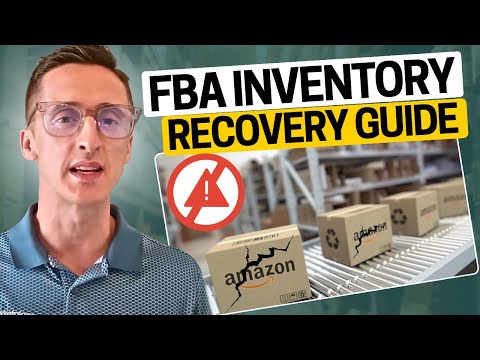
Dealing with Lost or Damaged Inventory in Amazon FBA: A Comprehensive Guide
When Amazon loses or damages your FBA inventory due to errors in its own network, you are usually eligible for reimbursement at the product's fair market…
Read articleStrategies, breakdowns, and field notes on winning the Amazon marketplace.
When Amazon loses or damages your FBA inventory due to errors in its own network, you are usually eligible for reimbursement at the product's fair market…
Read article →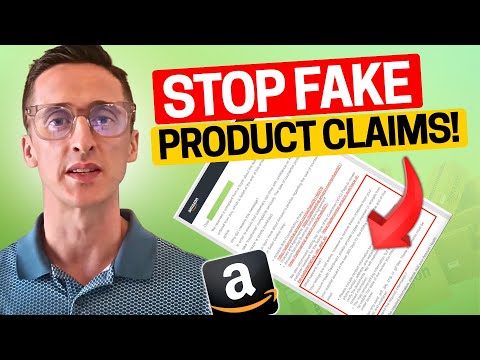
To handle a product authenticity complaint on Amazon, you need to immediately gather your supplier invoices and certificates of authenticity, then submit a detailed Plan of…
Read article →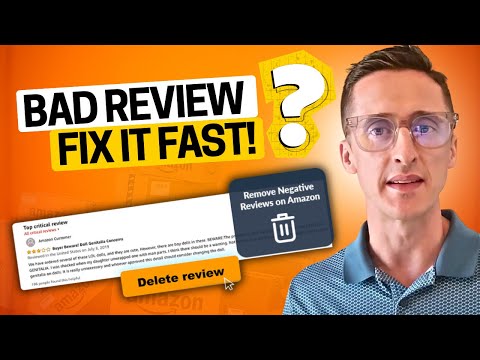
To appeal negative seller feedback on Amazon, go to Performance > Feedback in Seller Central, find the feedback entry, click Actions, and select "Request Removal" —…
Read article →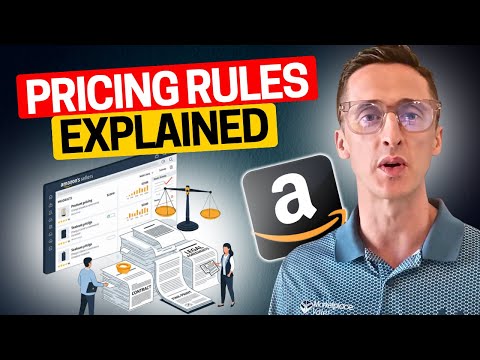
To comply with Amazon's pricing policy, keep your prices consistent with other sales channels (price parity), never engage in price gouging during high-demand periods, and make…
Read article →
To comply with Amazon's Intellectual Property Policy, sell only authentic and authorized products, never use trademarks, copyrighted images, text, or patented designs you do not own…
Read article →Amazon's A-to-Z Guarantee protects buyers when a third-party seller doesn't deliver as promised — covering situations where items arrive late, arrive damaged, don't match the listing,…
Read article →
To appeal an Amazon policy violation, you need to identify the root cause, write a Plan of Action (POA) that acknowledges the issue and outlines corrective…
Read article →
To handle an intellectual property complaint on Amazon, review the complaint notice to identify the type and the affected ASIN, assess whether the claim is valid,…
Read article →
To resolve an Amazon account suspension, review the suspension notice to identify the exact cause, analyze the root problem in your Seller Central metrics, then write…
Read article →
To contact Amazon Seller Support, log in to Seller Central, click Help in the footer, choose Get Support or Contact Us, select the category that matches…
Read article →