
Reading an Amazon Settlement Report: A Line-by-Line Breakdown
To read an Amazon settlement report line by line, open the Flat File V2 version for one settlement period and check each row in order: what kind of transaction it is, which order or adjustment it belongs to, and what its money columns say it was for. Each row carries a transaction-type, an order-id or adjustment-id, a SKU, and a dollar figure split across three columns: amount-type, amount-description and amount. The file covers one settlement period that ends in a deposit, so its total-amount should match what reached the bank. Amazon builds this report on its own schedule, and a seller can’t request or schedule it. A careful read matches each order line to a real sale, each fee to the fee that should apply to that SKU, and each refund or reimbursement to the event behind it. Fees and refunds show up as lines. Reserves work differently. Part of the balance can be held back to cover refunds, chargebacks and A-to-z claims, so a smaller deposit isn’t automatically a billing error. Some gaps are lines that never appear at all, like a reimbursement for inventory lost in a fulfillment center that didn’t post. Only a line-by-line check against inventory and order records finds those, and each claim type has its own filing deadline, so the check has to happen every period.
Last Updated: October 24, 2026
- • What a Settlement Report Actually Tells You
- • Why Most Sellers Skim Instead of Audit
- • The Line Items That Matter Most
- • Decoding the Flat File V2 Attributes
- • Where Reserves and Holds Quietly Sit
- • The Mechanics of Missed Reimbursements
-
• Frequently Asked Questions
- • What's the difference between a Settlement Report and a Date Range Report?
- • How can I find out what a specific charge or fee on my report means?
- • Why is the 'Unavailable Balance' holding so much of my money?
- • Which missing line is easiest to overlook in an Amazon settlement report?
- • How long do I have to file a claim if I find a discrepancy in my report?
- • Can I automate the process of auditing my settlement reports?
- • Where This Leaves Your Settlement Reports
What a Settlement Report Actually Tells You
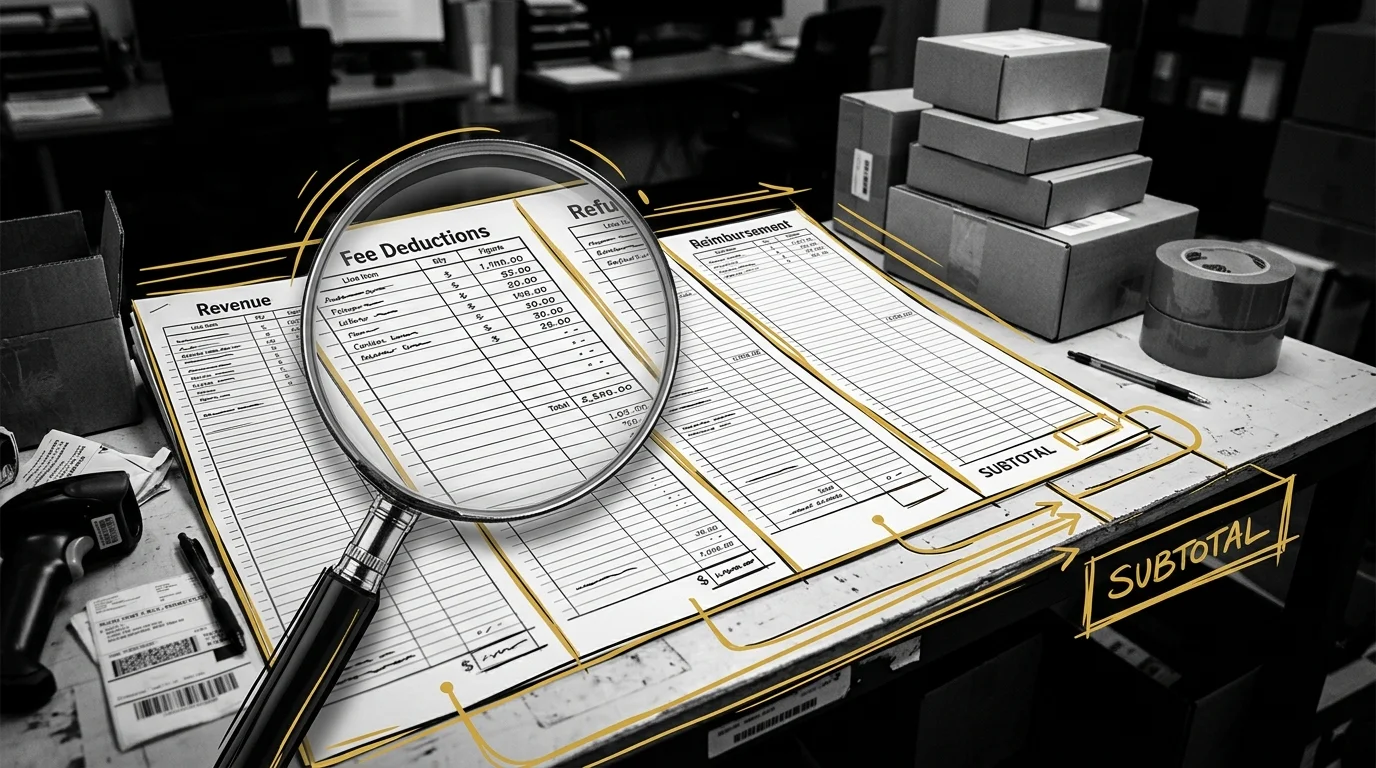
A settlement report is Amazon’s detailed breakdown of all revenue, fees, refunds, and reimbursements associated with an account over a specific pay period. That definition sounds simple. It is not.
Amazon’s current version is the Flat File V2 settlement report. Amazon’s Selling Partner API documentation says it “replaces the Flat File Settlement Report and XML Settlement Report,” and that settlement reports “cannot be requested or scheduled” because Amazon schedules them itself. In Seller Central, the downloads sit under Payments > All Statements.
The Pay Period as the Unit of Measurement
Every settlement report covers a defined pay period, not a calendar month and not a single order. That boundary matters more than most people think.
A fee charged in one pay period can be reimbursed or disputed in a later one, so a clean-looking report today can still hide an open issue from two cycles back. As the complete guide to managing Amazon chargebacks and fee shortages lays out, timing decides as much as accuracy whether a claim gets filed in time.
Revenue, Fees, Refunds, and Reimbursements in One Document
So the report folds four different kinds of money movement into one document. Revenue, fees, refunds, and reimbursements sit side by side, and each one plays by its own rules.
Here’s the problem: nothing in the report tells the reader which line deserves a closer look. The document never flags its own errors. An operator has to know what each line should look like before a wrong one ever stands out.
Why Most Sellers Skim Instead of Audit
Most sellers do not read a settlement report. They skim it for the deposit total and move on.
That habit treats the report as a receipt rather than a ledger that demands reconciliation.
The Skim-and-Move-On Pattern
The skim-and-move-on pattern checks one number: did the deposit land where it was expected.
Nothing about that check inspects individual fee lines, reimbursement entries, or category totals.
An account can clear every deposit on schedule while still absorbing miscategorized fees underneath. A smooth deposit history is not evidence of a correctly billed account. Reviewing the statement at line level is part of what Amazon Account Management covers. Accounts without active, line-level review are accumulating risk invisibly, because the absence of a visible problem is not the same as a healthy channel.
What Skimming Actually Costs Over a Pay Period
Skimming doesn’t prevent errors; it only delays finding them. A fee misapplied in one pay period keeps repeating when nobody checks the next cycle against it. Prep and labeling charges are a good example, and the steps for how to spot hidden packaging and labeling fees on settlement sheets show why they rarely surface in a quick scan.
The Line Items That Matter Most
Skimming a settlement report hides its risk in specific fields, not the document as a whole.
Five fields carry the most weight. Each one points to a different kind of mistake when nobody checks it.
| Report Attribute | What It Identifies | Why It Matters in an Audit |
|---|---|---|
| Order and Adjustment Identifiers | Links a charge or correction back to one specific transaction | Flags charges that cannot be matched to a real order as likely duplicates or miscategorized fees |
| Amount Fields | Holds the actual dollar movement compressed into general-purpose columns | Hides fee logic behind a single figure, so the underlying fee type has to be checked separately before the number means anything |
| SKU | Ties a line item to a specific product rather than an order as a whole | Reveals whether a fee or reimbursement applies to the correct item, which matters most when multiple SKUs ship in one order |
| Promotion ID | Marks a charge or deduction as tied to a specific discount or promotional offer | Surfaces promotion charges applied to orders where the promotion never actually ran |
| Settlement and Posted Dates | settlement-start-date and settlement-end-date mark the period; posted-date marks when the line was booked | Lets you count from the event date, since each claim type’s deadline runs from its own event, not from the settlement period |
Order and Adjustment Identifiers
Order and adjustment identifiers link every charge back to a specific transaction. In the Flat File V2 layout, order-id ties a line to a sale, and adjustment-id ties it to a later change such as a refund or reimbursement. Shipment-id and fulfillment-id add shipping detail, and merchant-order-id carries your own reference number if you use one.
The same Amazon documentation lists 24 columns in all: settlement-id, settlement-start-date, settlement-end-date, deposit-date, total-amount, currency, transaction-type, order-id, merchant-order-id, adjustment-id, shipment-id, marketplace-name, amount-type, amount-description, amount, fulfillment-id, posted-date, posted-date-time, order-item-code, merchant-order-item-id, merchant-adjustment-item-id, sku, quantity-purchased and promotion-id.
An identifier that cannot be matched to a real order is the first sign of a miscategorized or duplicated fee.
Amount Fields and Promotion Identifiers
Amount fields and promotion identifiers are where fee logic gets squeezed into general-purpose columns, so manual review runs slower than it looks. That’s why comparing automated audit tools and manual fee checks is worth doing before anyone decides how a review gets done. A promotion ID tied to a discount that never ran is a flag no skim will ever catch.
Decoding the Flat File V2 Attributes

The Flat File V2 structure turns a wall of numbers into a record someone can actually review. Every attribute in it exists to answer one question: what happened, and to which order?
| Field Category | Example Attributes | Audit Relevance |
|---|---|---|
| Transaction Identifiers | order-id, adjustment-id, transaction-type, marketplace-name | Confirms every charge traces back to a real, matchable transaction rather than an orphaned entry |
| Amount Fields | amount-type, amount-description, amount | Reveals whether a condensed column is hiding a miscategorized or duplicated charge behind a generic label |
| Product and Promotion Fields | sku, quantity-purchased, promotion-id | Shows which product and how many units a line covers, so a fee can be checked against the right SKU |
| Settlement Header | settlement-id, deposit-date, total-amount, currency | Ties the whole file to one deposit, so the total can be checked against what reached the bank |
The Three Condensed Price Columns
Amazon’s documentation says price columns “are condensed into three general-purpose columns”: amount-type, amount-description and amount. Read them as a set. Amount-type gives the broad kind of money on the line, amount-description names the specific charge or credit, and amount is the dollar figure. One order can show up on several rows, one per charge or credit, so add up the rows for an order-id before you judge it. Treat the amount alone as self-explanatory, and a fee hiding behind a generic label walks right past.
Mapping Attributes to Seller Central Views
Each column points back to something you can look up in Seller Central. Search an order-id in your orders to see what sold, and check a sku against your inventory records. For a wider view, run the Date Range report under Reports > Payments as a Transaction report for a month or a custom range, then filter by transaction type, such as order payments, refunds, chargeback refunds and service fees.
Where Reserves and Holds Quietly Sit
Transaction-level fees get caught by matching order IDs to charges. Reserves and the unavailable balance hide differently, because they are not tied to a single order at all.
A reserve is a policy-based hold, not a transaction to trace.
How the Unavailable Balance Actually Works
Trade guides describe an account-level reserve as money Amazon holds back from the available balance to cover things like refunds, chargebacks and A-to-z claims. The amount held shows in the Payments area of Seller Central, so check it before counting on a payout.
The same guides say that under Amazon’s DD+7 policy, order proceeds are usually held for seven days after delivery. That’s a trade summary, not Amazon’s own wording, and Amazon changes hold periods, so check the current terms on your Payments page in Seller Central.
A reserve has no order-id to challenge, so it can’t be audited like a fee line. What you can check is the trend. Payments > Statement View shows the reserve each period. A hold that keeps growing while sales, refunds and claims stay flat is worth a case with Seller Support.
Separating a Reserve From a Billing Error
A reserve shrinks the deposit without adding a fee line. That’s why it gets mistaken for an overcharge. Before calling a short deposit an error, set aside the current reserve and any funds still waiting on delivery. Whatever gap is left is what needs a line-by-line trace.
The Mechanics of Missed Reimbursements

A reimbursement that’s owed but never paid makes no noise. Since November 1, 2024, Amazon says it reimburses items lost in its fulfillment centers on its own. When that payment doesn’t post, the seller has to file, and per Amazon’s announcement on its U.S. Seller Forums the claim must be in “no later than 60 days after the item was reported lost or damaged.”
| Review Step | What to Check | Where to Act |
|---|---|---|
| Match order IDs to adjustment entries | Whether every adjustment or reimbursement line ties back to a real, identifiable order | Seller Central order detail and the settlement report line item side by side |
| Flag lost or damaged inventory events | Whether an inventory loss or damage event has a matching reimbursement entry in the same or a later report | Inventory adjustment reports cross-referenced against settlement reimbursement fields |
| Audit promotion and discount fees | Whether a promotion ID on a charge corresponds to a discount that actually ran | Promotion records compared against the promotion identifier field on the report |
| Review reserve and unavailable balance movement | Whether a hold is a standard policy-based reserve or an unexplained shift in held funds | Account-level reserve history tracked across consecutive pay periods |
| File claims before each deadline | Whether a confirmed discrepancy is still inside its own claim window | Seller Central, counting from the event date for that claim type, not from the settlement period |
Building a Line-by-Line Review Habit
Every entry is a claim to verify, not a number to accept. That’s where a line-by-line review habit starts, because a lost-inventory adjustment, a duplicate fee, and a legitimate charge look identical until each one is checked against the order behind it.
Setting a Review Cadence That Matches the Report Cycle
Match the review cadence to the report cycle, and a missed reimbursement gets caught while it can still be filed. Let a backlog build, and the owed credit turns up after the window to claim it has already closed.
Reconciling Fees Against Expected Costs
Reconciling fees against expected costs means comparing each charge to what Amazon’s published fee schedule says it should be for that SKU, not what the deposit total implies. Watch fulfillment fees most closely. A fee that jumps with no change to the product often points to a wrong measurement on file, and how to stop recurring dimension and measurement fee overcharges covers how to get that fixed.
For outside help, Amazon’s Sell on Amazon blog describes its Service Provider Network as “a one-stop shop of vetted third-party service providers,” and accounting is one of the categories it lists.
That network is a resource for sellers who need help structuring the audit, not a substitute for doing it.
Frequently Asked Questions
Reading the report structurally answers most of the big questions. A few mechanical ones only surface once an operator starts working a real report line by line.
What’s the difference between a Settlement Report and a Date Range Report?
A settlement report covers one settlement period and ends in one deposit, and Amazon creates it on its own schedule. A Date Range report is one you run yourself under Reports > Payments, as a Summary or Transaction view, for a month or a custom range. Use it when a problem spans two settlement periods.
How can I find out what a specific charge or fee on my report means?
Cross-reference the order or adjustment identifier against the matching order in Seller Central. The identifier exists specifically so a generic amount field can be traced back to a real transaction.
Why is the ‘Unavailable Balance’ holding so much of my money?
Usually it’s the account-level reserve plus money still waiting on delivery. Trade guides say Amazon holds part of the balance to cover refunds, chargebacks and A-to-z claims, and that proceeds are usually held about seven days after delivery. If the hold keeps growing while sales and refunds stay flat, open a case with Seller Support.
Which missing line is easiest to overlook in an Amazon settlement report?
A reimbursement that never posted. A wrong fee at least shows up as a line you can question. A missing payment for inventory lost in a fulfillment center leaves nothing to see, so it only turns up when inventory records get checked against the report.
How long do I have to file a claim if I find a discrepancy in my report?
Each claim type has its own clock. Lost or damaged inventory in a fulfillment center: 60 days after Amazon reported it, per Amazon. Customer returns: 60 to 120 days after the refund or replacement. Dimension fee overcharges: 90 days from the fee date, according to a reply on Amazon’s U.S. Seller Forums. Inbound shipment shortages: nine months after verified delivery, according to trade guides such as PrepVia. Amazon changes these windows, so confirm the current number in Seller Central before filing.
Can I automate the process of auditing my settlement reports?
Yes. Software can check every line against the fee it expected, every period, because the Flat File V2 uses the same columns each time. Someone still has to read the flags, file the claims and follow them through.
Where This Leaves Your Settlement Reports
A settlement report will never sound its own alarm. It records what happened, then sits there waiting for someone to check it.
That silence is the risk. So pick one day each settlement period, pull the Flat File V2, and work it top to bottom: the header and deposit first, then orders, then fees, refunds and reimbursements, then the reserve.
Ongoing discipline means treating every pay period the same way, not just the ones where something looks wrong. The habit of checking is what decides whether a missed reimbursement gets caught in time or lost to a closed claim window. Reading settlement files every period is part of our Amazon account management work. If nobody is doing that line-level review on your account right now, get a free Amazon audit.
Results vary by brand, category, and investment level.